
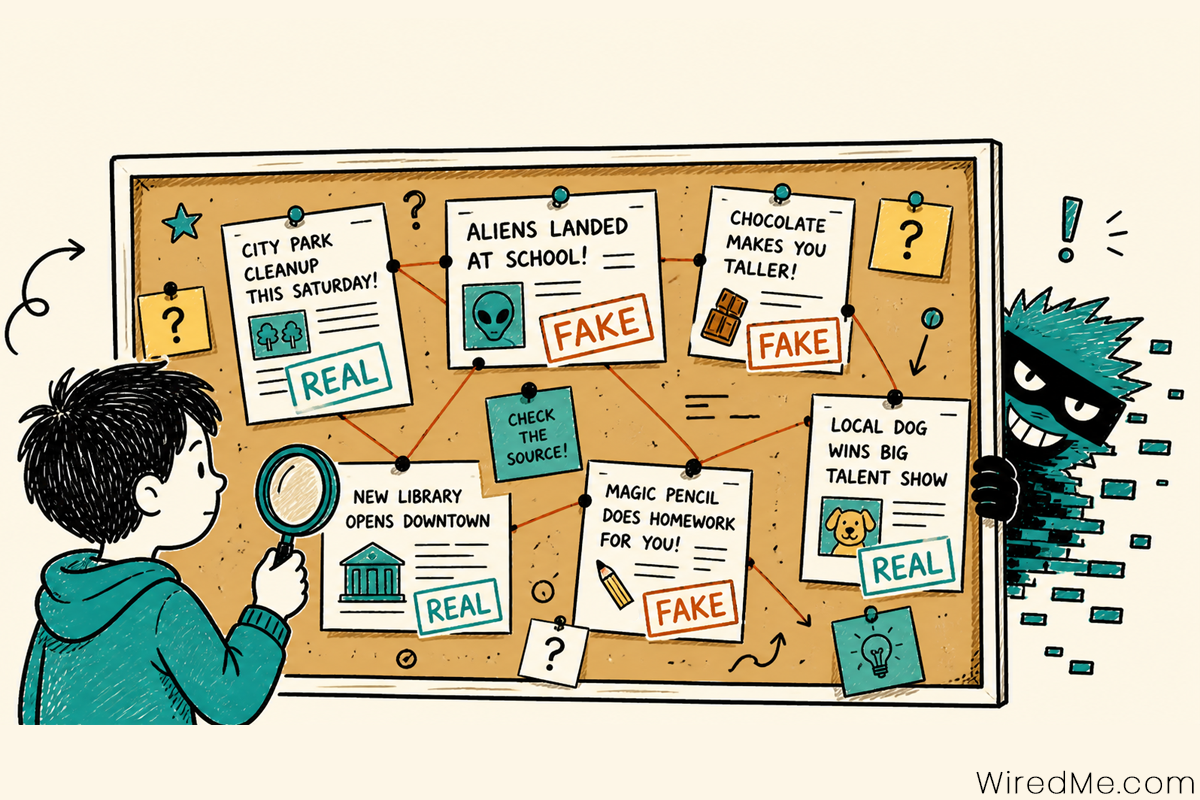
Glitch is flooding Netville with fake news stories. Can your kid tell which ones are real and which ones he made up?
This real vs fake news game helps kids in grades 3-5 learn how to spot misinformation, question sources, and think before they share anything online. Every round is different, so no two games are the same.
✓ Free forever
🔒 No login needed
📱 Any device
🎓 Classroom ready
🔄 New mix every game
Glitch: Netville Villain
I am flooding Netville with fake news stories. Some of them look completely real. Can your kid tell the difference? Nobody ever catches me, but you are welcome to try!
How to Play Real vs Fake News
Your mission: Glitch is trying to trick everyone in Netville with fake news stories. Your job is to catch him!
Step 1: Read the story Glitch will show you a headline and a short news story. Read it carefully from top to bottom. Pay attention to where the story came from.
Step 2: Check the clues Look at the clue tags at the bottom of the story. They point out things that might seem off. Use them to help you decide.
Step 3: Make your call Click the green Real News button if you think the story is true. Click the red Fake News button if you think Glitch made it up.
Step 4: Find out if you were right The game will tell you right away. If you got it right you earn 10 stars. If Glitch fooled you, you lose one heart. You only have 3 hearts so be careful!
Step 5: Keep going Click Next Story and do it again. You will read 6 stories total. Can you make it through all 6 without running out of hearts?
What Kids Learn
🔍
Spot misinformation
Recognize fake headlines, misleading details, and stories designed to trick.
📖
Check your sources
Learn how to verify where a story comes from before believing or sharing it.
🧠
Think critically
Ask: who made this? Why? Does it match what other sources say?
✋
Pause before sharing
Build the habit of stopping to question before clicking share or repost.
Kids sort headlines into real and fake in this hands-on real vs fake news game designed for grades 3-5. This activity helps children build media literacy, critical thinking, and online safety skills in a simple, engaging way. As they examine each headline, kids learn to question sources, look for clues, and decide what can be trusted. With repeat play and new story combinations each round, the game encourages curiosity, careful reading, and thoughtful decision-making. It is ideal for homeschool lessons, classrooms, or quick practice at home, helping kids develop habits they will use every time they go online.
How to Spot Fake News
The 5 clues Glitch does not want you to know
1. Check the source. Is it a real news outlet you have heard of, or a random website with a suspicious name? Look at the web address too.
2. Look for named experts. Real stories name the scientists, doctors, or officials involved. If it just says “experts say” with no names, be suspicious.
3. Does it sound too shocking? Fake news is designed to surprise you. If something sounds unbelievable, check another source before believing it.
4. Check the date. Old stories get reshared as if they are new. April 1st stories are often jokes. Always check when something was published.
5. Watch for urgency. If a story tells you to share it immediately or act fast, that is a pressure tactic. Real news never demands you share it right now.
For Parents and Teachers
Using this game in the classroom or at home
Real vs Fake News is designed for grades 3-5 and supports digital citizenship and media literacy standards. Each game takes 5-10 minutes, works on any device, and requires no student logins. Every round pulls a different mix of stories so kids can play more than once without seeing the same set twice.
Discussion questions to use after the game:
- How did you know that story was fake? What was the first clue?
- Have you ever seen a fake story shared by someone you know?
- What would you do before sharing something you are not sure about?
- Why do you think people make up fake news stories?
- What makes a source trustworthy? How can you tell?
For a parent-friendly guide, see how Common Sense Media recommends teaching kids to evaluate online information.
More Cybersecurity Games for Kids
📧
Spot the Scam
Can your kid catch Glitch’s fake emails before it is too late?
🔒
Password Builder
Build a password strong enough to keep Glitch locked out.
🛡️
All Cybersecurity Games
See every free cybersecurity game for kids in one place.
Extra! Extra!
Think you can outsmart Glitch?
Free to play. No login. Works on any device. A new mix of stories every game.