
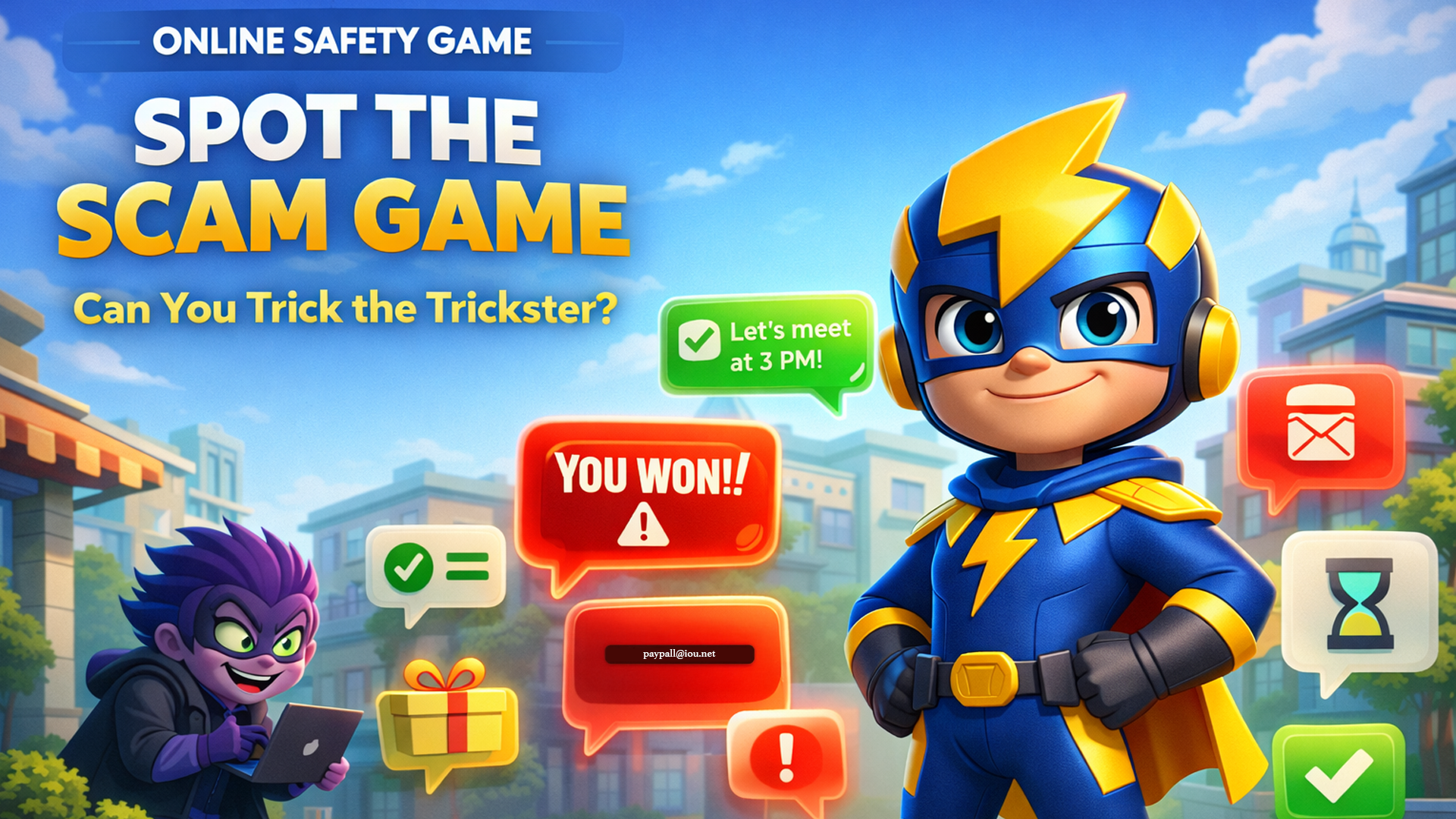
How the Spot the Scam game works?
The spot the scam game helps kids learn how to recognize fake messages, avoid online tricks, and stay safe while using technology.
You play as a Digital Guardian protecting the town of Netville from a villain named Glitch, a sneaky trickster who sends fake messages to fool people.
Read each message and decide: is it safe or a scam? Some look totally normal. Some are sneaky fakes. Your job is to figure out which is which!
Every game picks a different mix of 6 message, so no two rounds are ever the same.
How to play
1
Read the message
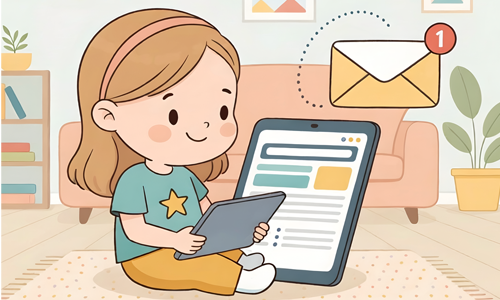
It shows up as a real-looking email in your Netville inbox
2
Spot the clues
Tap anything that seems weird — odd addresses, big promises, scary warnings
3
Make your call
Hit “Looks safe!” or “It’s a scam!” — think carefully before you tap
4
Learn why
Every answer explains exactly what the clues were and what to watch for
You start with 3 lives. Lose them all and the mission ends. Good luck!
Play the spot the scam game
Glitch is already sending messages. Netville needs you. Good luck, Digital Guardian!
What you will learn
Spot fake emails
Read sender addresses carefully and catch tiny typos scammers use
Protect passwords
Know when a password request is real and when it is a trap
Guard personal info
Understand what info to never share online and why it matters
Think before clicking
Slow down, look for clues, and never rush a decision online

Meet Glitch (the villain of Netville!) Glitch sends sneaky fake messages to trick people online. He uses real scammer tricks, the same ones kids might see in real life. Can you outsmart him and keep Netville safe?

What to watch out for
- “YOU WON!” messages: real prizes don’t arrive out of nowhere
- Requests for your password: no real company needs it by email
- Weird email addresses: like paypa1 instead of paypal
- Asking for your home address: strangers never need this
- “Don’t tell your parents”: always a huge red flag
- Countdown timers and urgent warnings: scammers use panic to rush you
- Free Robux, V-Bucks, gift cards: too good to be true
If something feels off, trust that feeling. Slowing down is your superpower.
For parents and teachers
Try these follow-up questions
- Why did you think that message was a scam?
- Have you ever seen a message like this in real life?
- What would you do if you got a message like this?
- What clues gave it away?
Extend the activity
- Ask kids to write their own fake scam message
- See if a parent or classmate can spot it
- Talk about real-life examples from news or experience
- Discuss what personal information means and why it matter
This game supports digital citizenship standards for grades 3–5, including recognizing online risks, protecting personal information, and making safe decisions online. Looking for more activities like this? Explore our full collection of cybersecurity games for kids to keep building your skills.
Kids can also learn more about online safety from Cybersecurity and Infrastructure Security Agency, which provides simple tips for staying safe online.
Ready to stop Glitch?
Every game is different. Play the spot the scam game again to beat your score and sharpen your skills.